Design Responsive Interactive Maps for Mobile
Improve mobile usability with touch-friendly pin targets, bottom sheet drawers, gesture-friendly navigation, and adaptive UI layouts.
Layerpin Team
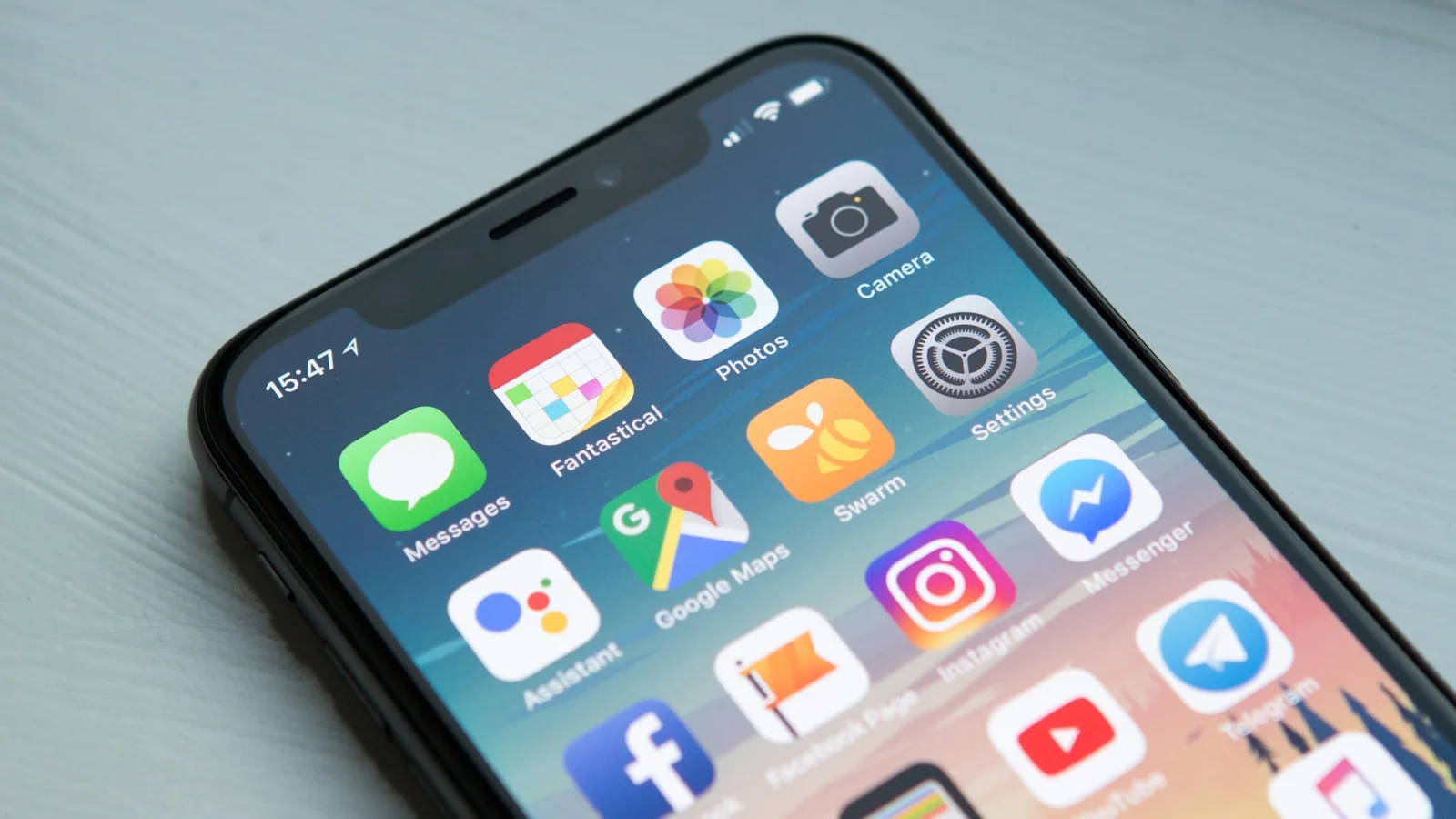
Mobile map traffic: Why touch ergonomics make or break engagement
Over 65% of website visitors interact with digital maps on smartphones and tablets. Whether it is an attendee walking through an event hall or a homebuyer standing in front of a development site, mobile usability directly dictates engagement.
Desktop navigation relies on hover states and precision mouse cursors. Touchscreens rely on fingers, thumbs, and varying screen viewports. Designing a mobile-first interactive map requires deliberate adjustments to touch targets, drawer layouts, and gesture controls.
- 1Ensure marker touch targets are at least 44x44 pixels for reliable finger taps.
- 2Never place critical information exclusively inside hover tooltips.
- 3Set intuitive default zoom levels that frame key landmarks on portrait screens.
The power of bottom sheet drawers over modal popups
On desktop screens, hovering or clicking a pin can open a floating card adjacent to the marker. On a mobile phone screen with limited width, a floating card covers the map, disorienting the visitor.
Layerpin automatically transforms info cards on mobile into an ergonomic Bottom Sheet Drawer. When a user taps a pin, the drawer slides up smoothly from the bottom of the screen, displaying the photo, title, specs, and call-to-action button right under the user's thumb.
Visitors can swipe down to dismiss the drawer and return to the map in one fluid motion, maintaining spatial context throughout their journey.
- 1Keep key data points (price, title, primary CTA) visible in the top fold of the drawer.
- 2Use swipe gestures for quick drawer dismissal.
- 3Test thumbnail and gallery aspect ratios on narrow 375px screens.
Preventing page-scroll hijacking with smart gesture isolation
A classic frustration when embedding maps on mobile websites is 'scroll trap'-a visitor scrolling down an article gets stuck inside the map embed when their finger touches the canvas.
Layerpin features smart gesture handling: when embedded inside a webpage, two-finger gestures or dedicated tap-to-interact triggers prevent accidental map scrolling, ensuring smooth page navigation.
Include clean zoom-in, zoom-out, and reset-view buttons on screen so users who prefer tactile button controls can navigate effortlessly without pinch gestures.

Ready to build an interactive map?
Build the map privately, review it in the visitor view, then publish when it is ready to share. No credit card needed.
Start building for free